
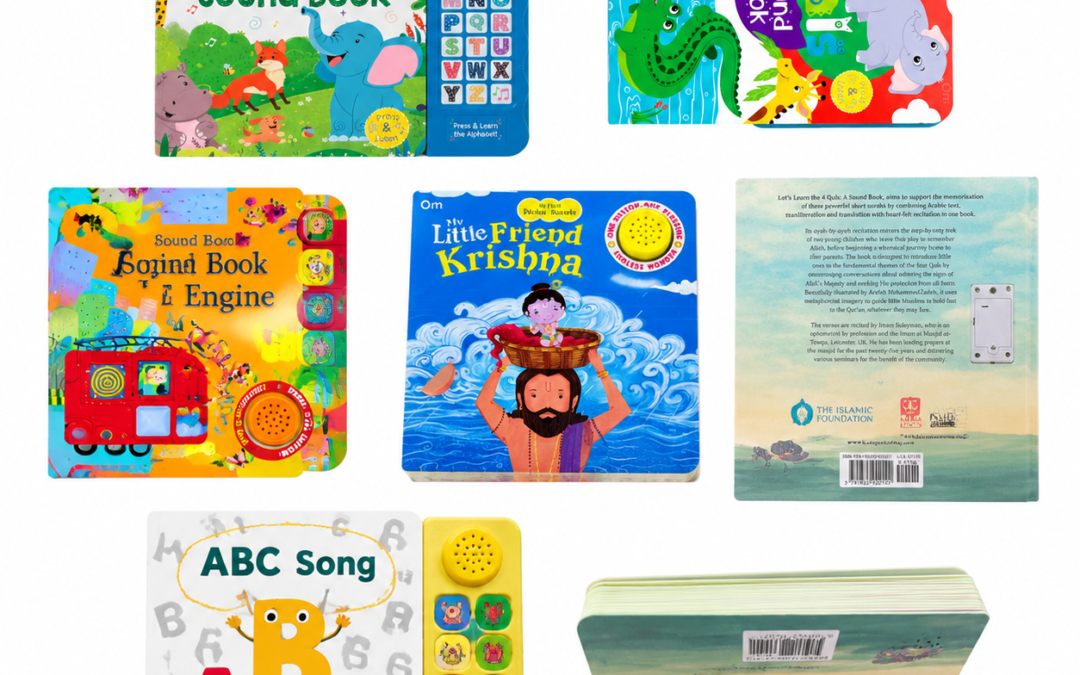
A toddler presses a picture of a lion and hears it roar. A preschooler opens a storybook and hears the first line read aloud. Both are sound books, but they ask readers to interact in different ways. The best place to start when choosing a sound module is with one question: What should the reader do to hear the next sound?
Common Types of Sound Books
| Type | How it works | Best suited for |
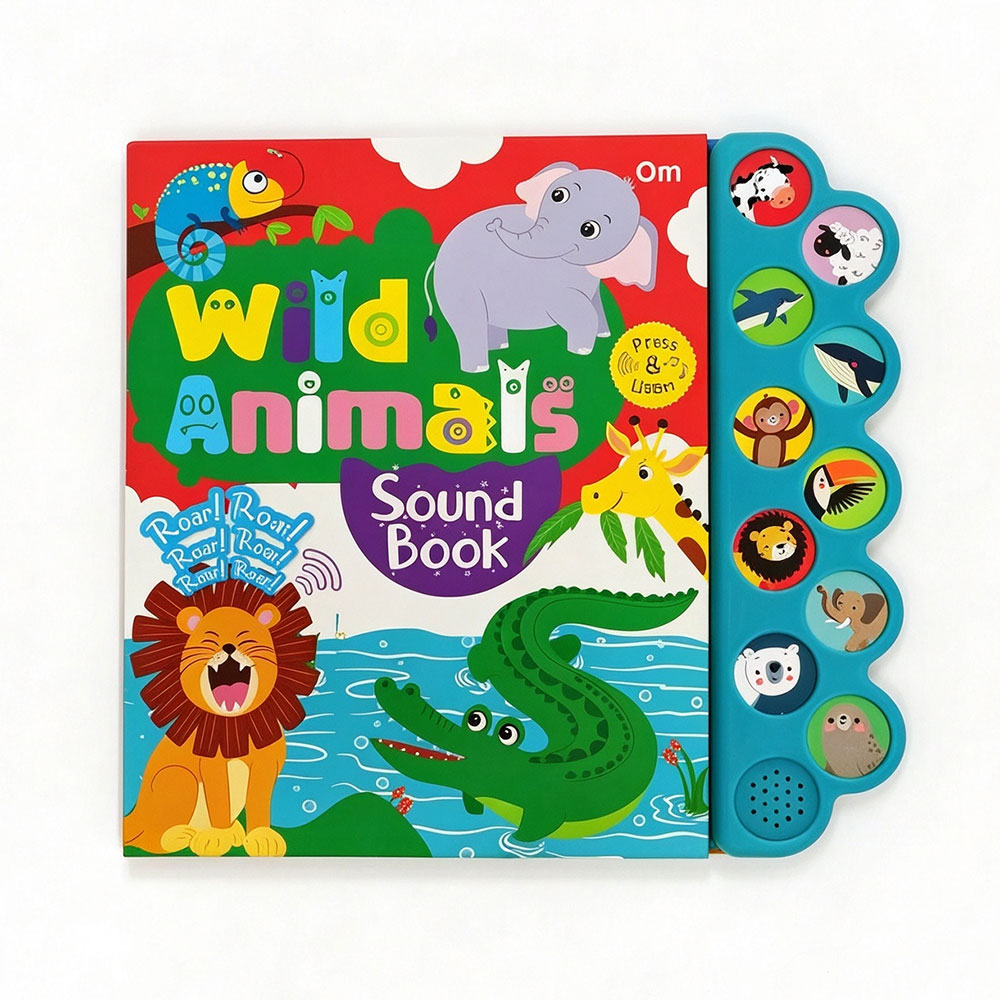
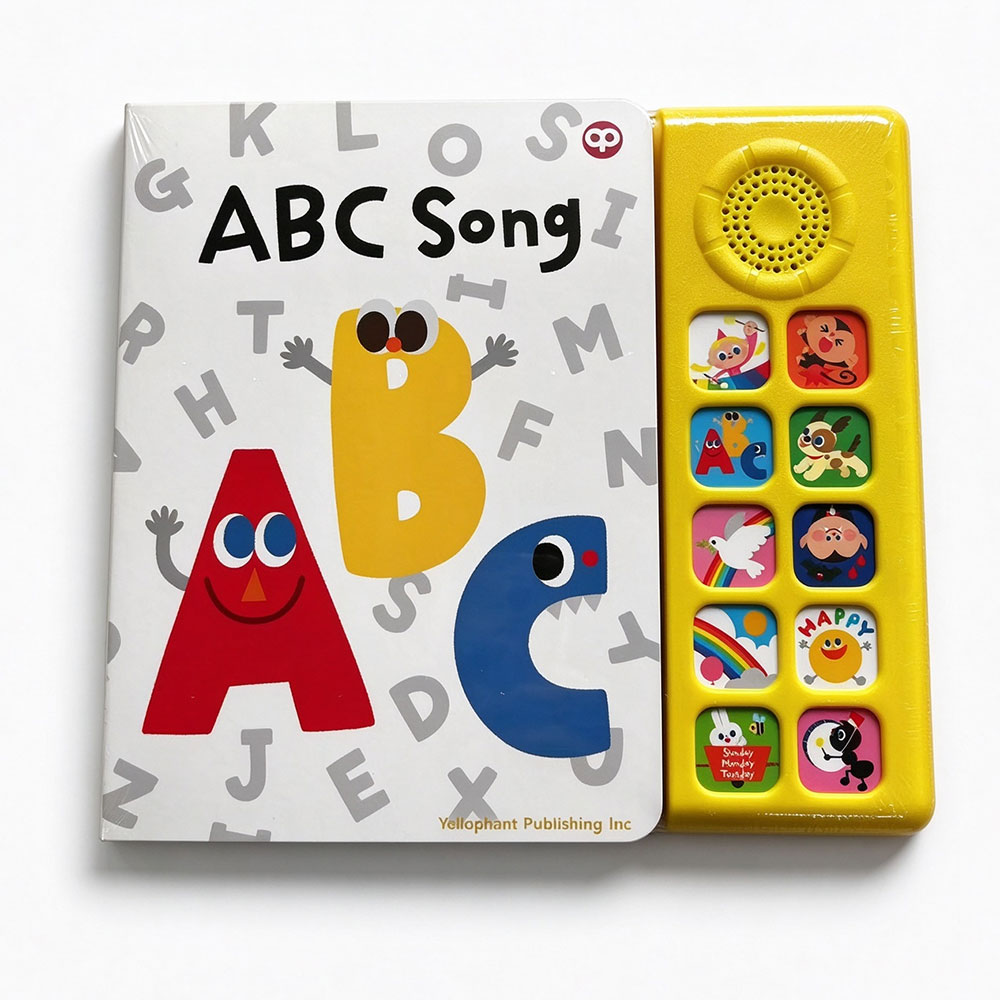
| Side-panel sound books | A row of buttons sits beside the pages. Readers match an icon on the page to the corresponding button. | Animal sounds, vehicle noises, songs, and sounds that recur throughout the book. |
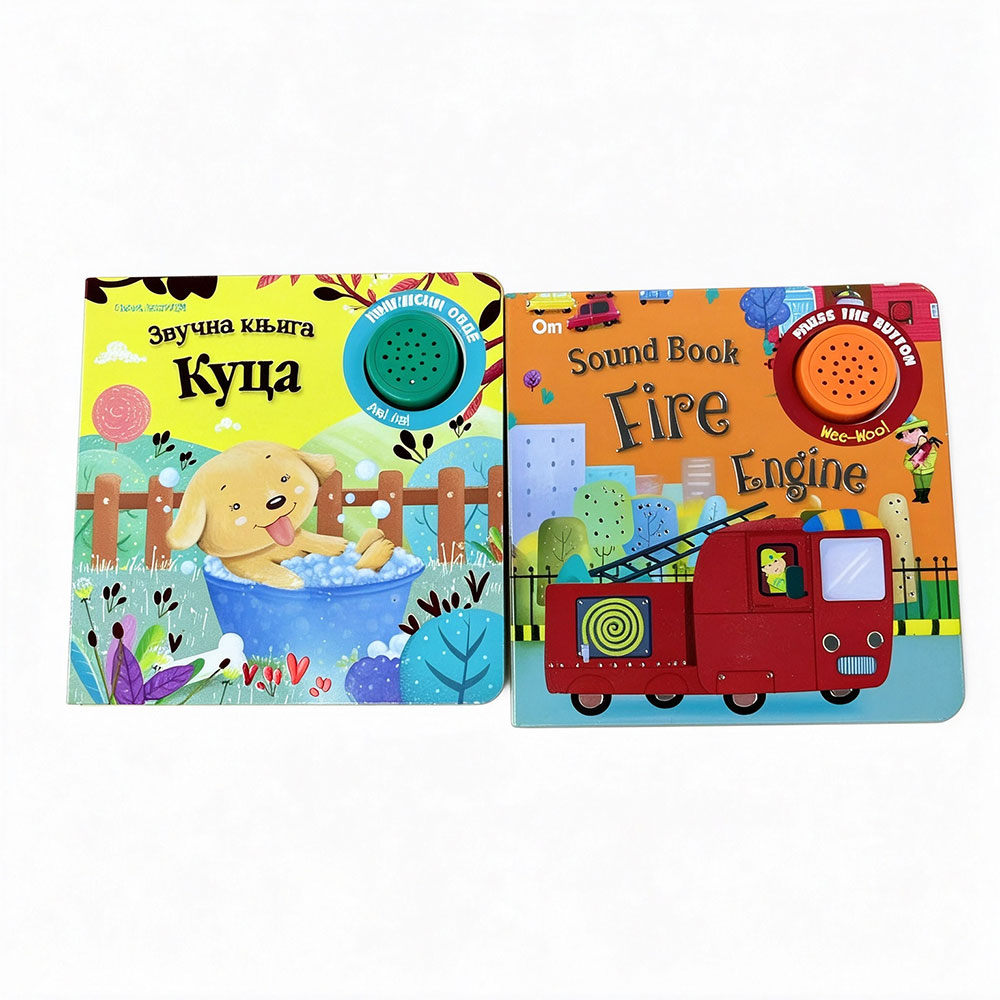
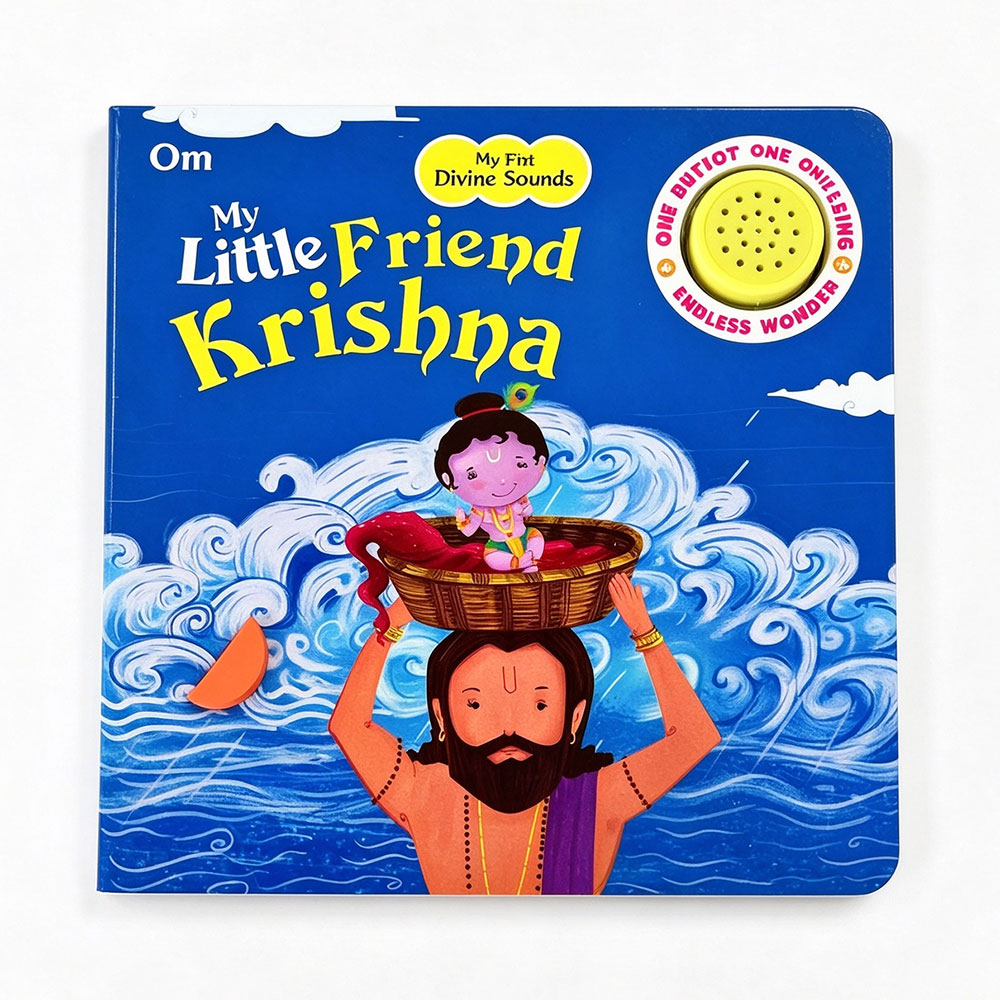
| Press-the-page sound books (hidden button sound) | A marked spot on the page acts as a button. Readers press the pictured animal, object, or character to hear its sound. | Picture books that connect a sound directly to an illustration. |
| Open-to-play sound books | Opening the cover triggers a clip. Some designs use sensors to trigger different clips as readers turn the pages. | A musical greeting, a story introduction, or narration tied to individual pages. |
| Sound books with a talking pen | A compatible pen reads printed codes when the reader taps a word or picture. The pen plays the associated audio. | Vocabulary, bilingual learning, and books with many audio points per page. |
| Recordable sound books | A parent or caregiver records a message or narration for the reader to play back. | Personalized gifts and stories read in a familiar voice. |
Categories can overlap. A nursery-rhyme book might use a side panel or press-the-page buttons. The difference is whether children should match a symbol to a button or press the illustration itself.
How to Choose a Sound Module
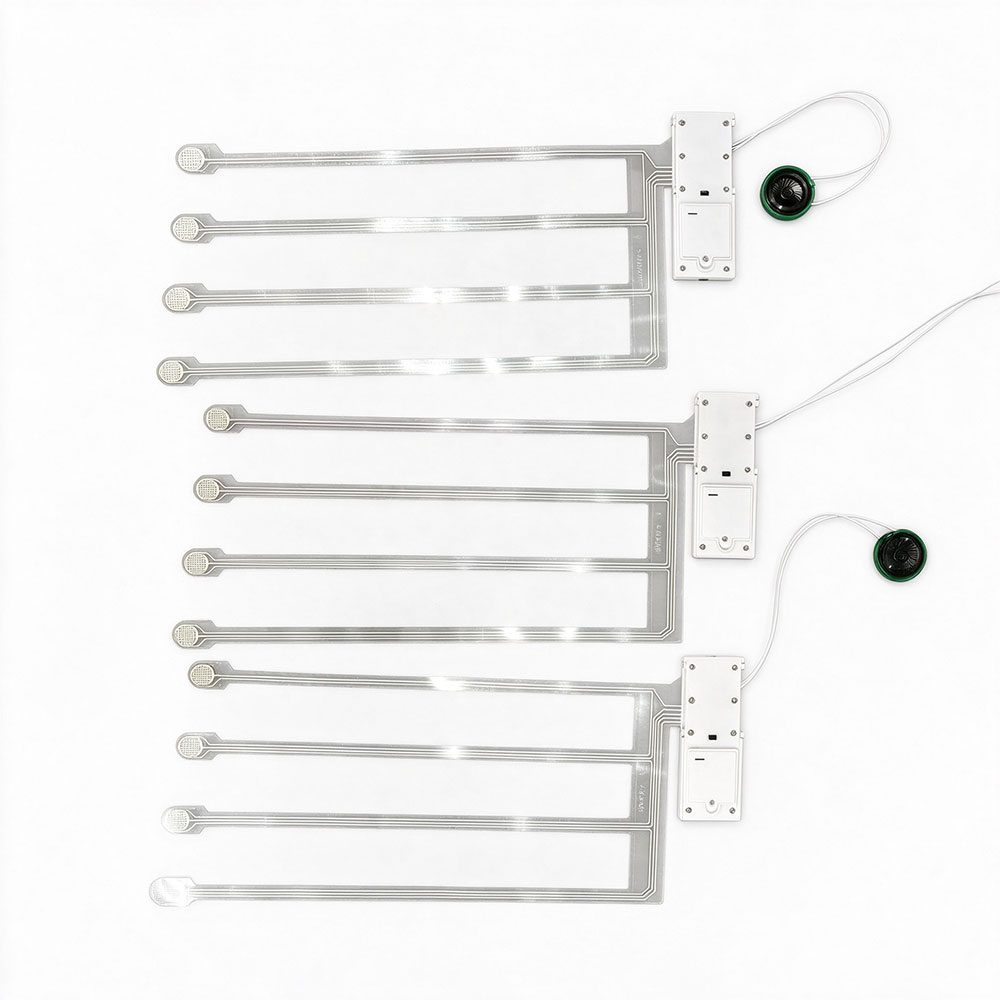
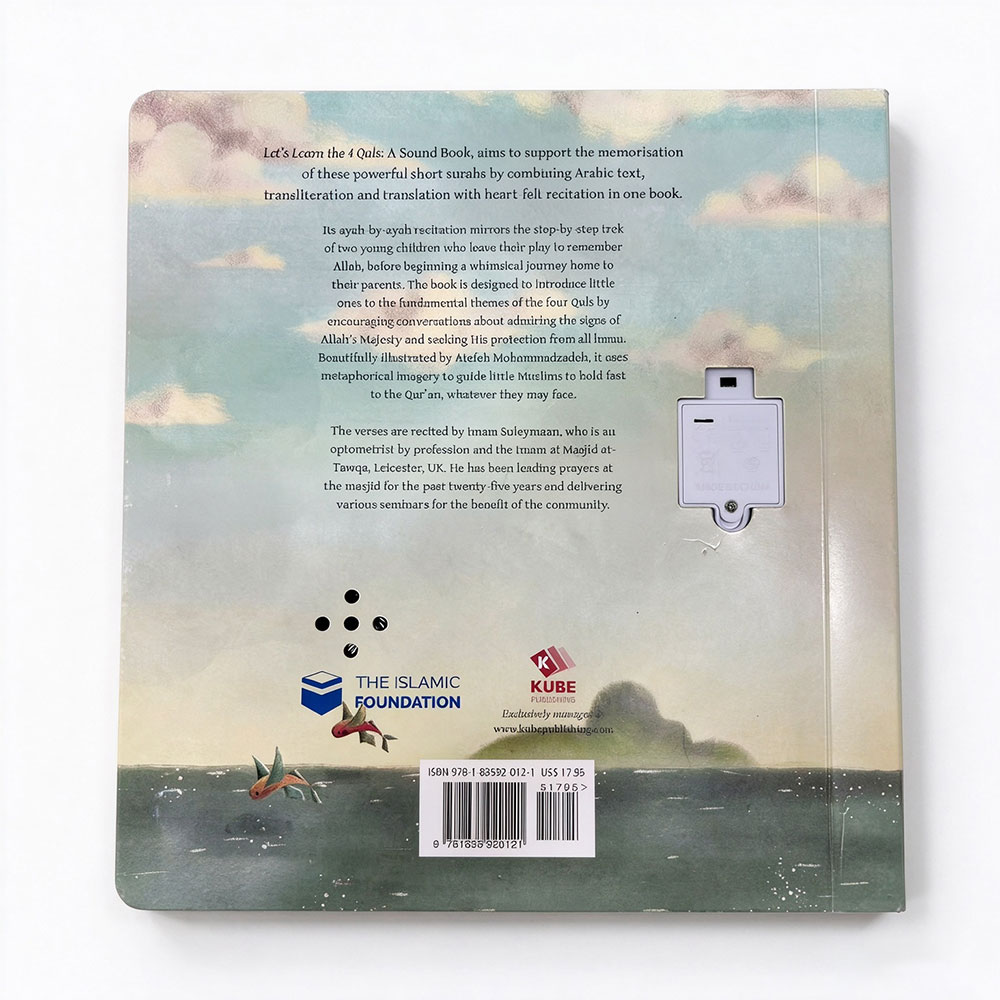
The sound module is the assembly that stores and plays the audio. Depending on the design, it also includes or connects to the buttons, sensors, speaker, and battery compartment. The speaker is one part of that system. When discussing a project with a supplier, describe the full interaction you want so they can quote the right assembly.
- Decide how the sound should start and stop
Sketch a few spreads and mark where readers will press, tap, or turn a page. Then define what happens during playback. Should pressing the same button again restart the clip or stop it? Should pressing a different button interrupt the current sound? For a narrated book, should turning the page stop the previous clip and start the next one?
These details shape how the book feels in use. A child exploring animal sounds may press three buttons in quick succession, while a child following a story needs time to finish listening before moving on.
- Count the audio clips and estimate their length
Count the unique clips separately from the places that trigger them. A farm book might use the same cow sound on several spreads. A bilingual book might need two recordings for each picture, plus a way to select the language.
Give the supplier a clip list with approximate durations. A handful of short sound effects and a collection of narrated stories place different demands on storage and playback. If the book includes music, speech, and effects, include samples of each when requesting a prototype.
- Match the module to the book’s construction
A side panel makes the controls available from any spread, but it adds width along one edge. Press-the-page designs need buttons that respond through the finished page material. A talking pen shifts the speaker and battery out of the book, while adding a separate device the reader needs to keep nearby.
Test the electronics in a bound sample made with the intended materials. A button that feels easy to press on a loose sheet may feel stiff through a finished board-book page. A speaker that sounds clear on a workbench can sound muffled once it sits behind the cover.
- Listen to the prototype and test it the way readers will use it
Play the book at normal reading distance. Check whether speech is easy to understand and whether songs and effects play at a consistent volume. Press the buttons repeatedly, try them near their edges, and turn pages during playback. If the design uses a light sensor, test it in both bright and dim rooms.
For a children’s book, discuss the intended age range, battery access, and target sales markets with the manufacturer early. Include the finished book’s battery compartment and durability in the production review.
Three Examples
- A first animal-sounds bookcould use a side panel with large picture icons. Children can replay a favorite sound from any spread.
- A narrated bedtime storycould use page-triggered playback for a hands-free experience, or a button on each spread so the reader decides when the narration starts.
- A bilingual picture dictionarycould use a talking pen so readers can hear individual words in any order without filling the pages with physical buttons.
Before requesting a quote, prepare a sample spread, a clip list, and a short description of what should happen when the reader presses, taps, or turns a page. Those three items give your supplier enough context to recommend a module you can evaluate in a working book.


